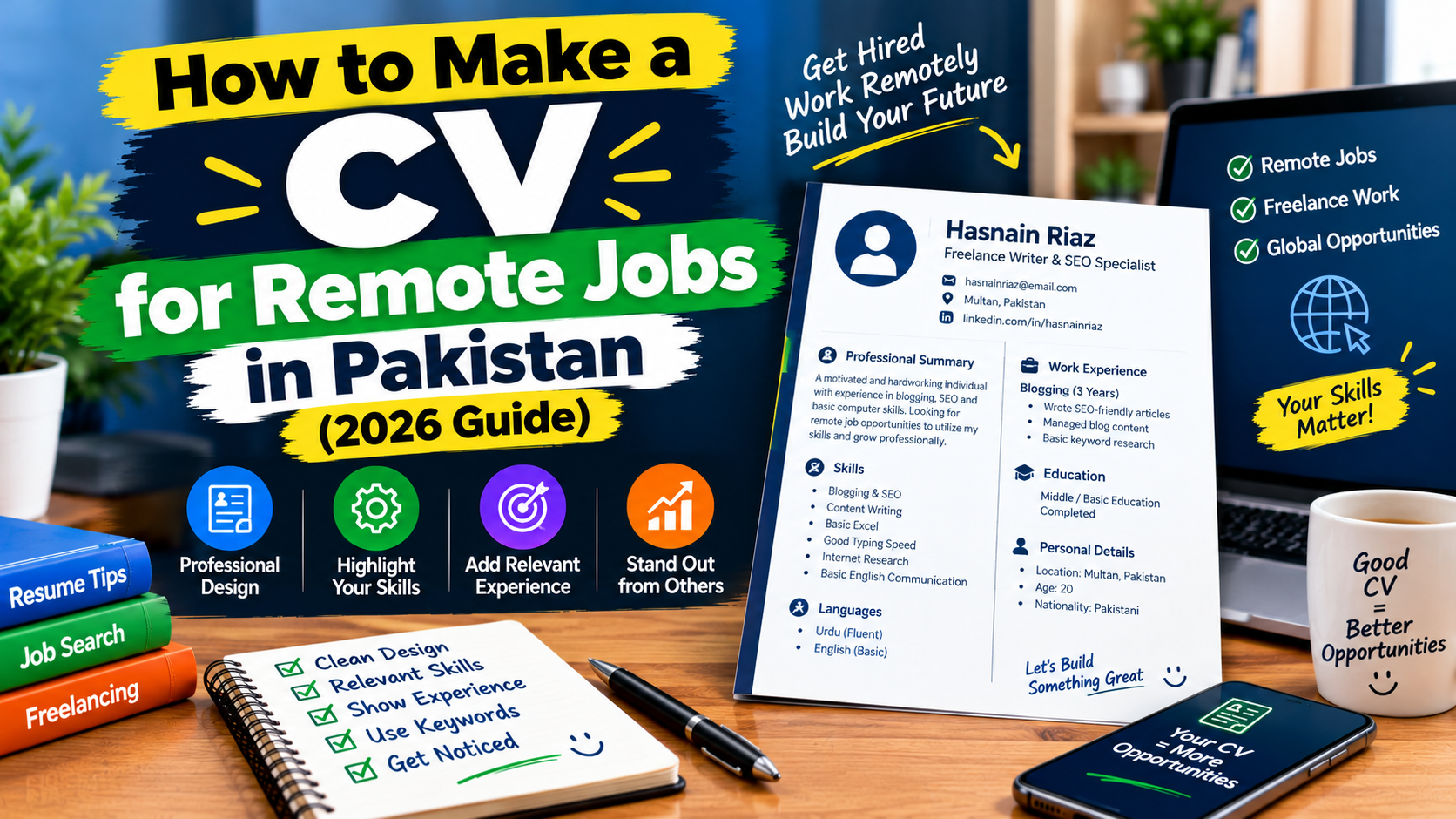
Remote jobs let you work for companies without moving to another city or country. Many Pakistani job seekers apply for them, but a large number of applications are rejected in seconds because of a weak CV. A recruiter may look at hundreds of CVs for a single job, so yours must be clear, honest and easy to read.
In this guide you will learn how to make a strong CV for remote jobs, what to include, what to leave out and how to avoid the most common mistakes. Please remember that a good CV improves your chances, but it cannot guarantee a job.
What Is Different About a Remote Job CV?
A CV for a remote job is similar to a normal CV, but employers also want to see signs that you can work independently. They look for:
- Clear communication. Your CV should be easy to read, and your English should be simple and correct.
- Self-discipline. Examples of finishing work without close supervision.
- Digital tools. Experience with email, chat tools, video calls, spreadsheets and project tools.
- Results. Proof that your work made a difference.
If you are still building your skills, read our guide on the best free skills to learn for freelancing in Pakistan.
Step 1: Choose a Simple, Clean Format
Many companies use software (called an applicant tracking system, or ATS) to scan CVs before a person reads them. A simple format is easier for both software and people to read.
- Use one column and a plain layout.
- Choose a clear font such as Arial, Calibri or Times New Roman, in size 10 to 12.
- Use normal headings like “Experience” and “Education”.
- Avoid heavy graphics, tables, icons, photos and fancy colours.
- Save the file as a PDF unless the job post asks for a Word file.
- Name the file clearly, like
Ahmed-Khan-CV.pdf.
Length: One page is best for beginners. Two pages are fine if you have several years of experience.
Step 2: Add Your Contact Details
At the top of your CV, add:
- Your full name
- A professional email address (for example,
[email protected], not[email protected]) - Your phone number (with WhatsApp, if you use it for work)
- Your city and country (for example, Lahore, Pakistan)
- A link to your LinkedIn profile or online portfolio, if you have one
You do not need to add your full home address, your CNIC number, or your religion, marital status or father’s name for most remote jobs. Keep your personal data safe.
Step 3: Write a Short Professional Summary
A summary is 2 to 3 lines at the top that tells the employer who you are and what you offer.
Weak example: “I am a hardworking and honest person looking for a good job in a good company.”
Better example: “Content writer with 1 year of experience writing blog posts for technology websites. Skilled in SEO basics and research. Looking for a remote content writing role.”
If you are a fresher, mention your skill, your training and what you want to do. Do not copy a summary from a template.
Step 4: List Your Skills Clearly
Create a short skills section that matches the job. Divide it into groups so it is easy to scan.
- Core skills: the main skills for the job, such as writing, design, customer support or data entry
- Tools: for example Google Docs, Canva, Excel, Slack, Zoom
- Languages: English and Urdu, plus any others
Only list skills you really have. You may be asked about them in an interview.
Step 5: Describe Your Experience With Results
For each job or project, write the title, the organisation, the dates and 2 to 4 bullet points. Start each bullet with a strong action word and, if possible, add a number.
Weak: “Responsible for social media.”
Better: “Managed a business Facebook page and posted 4 times a week, helping to increase page followers by 30 percent in three months.”
Only use numbers that are true. If you cannot measure the result, describe what you did clearly and honestly.
No work experience? You can include:
- Freelance practice projects and sample work
- Volunteer work or university projects
- Online courses and certificates
- A small portfolio or blog
If you want to build experience, our guides on creating a Fiverr account in Pakistan and building an Upwork profile can help you get started.
Step 6: Add Your Education and Certificates
List your degree or education, the institute and the year. Add relevant courses and certificates, such as free online courses, below your education. Put the most recent and most relevant items first.
Step 7: Customise Your CV for Every Job
This is the step many people skip. Read the job post and use its important keywords in your CV, where they truly apply to you. If the job asks for “customer support experience” and “email communication”, and you have both, make sure those words appear in your CV.
Do not send the same CV to every job. A few small changes can make a big difference.
Step 8: Check Everything Before You Send
- Read your CV slowly, or ask a friend to read it.
- Check spelling, grammar and dates.
- Make sure your email and phone number are correct.
- Test the links.
- Open the PDF on your phone and computer to check that it looks neat.
A Simple CV Structure You Can Follow
- Name and contact details
- Professional summary (2 to 3 lines)
- Skills
- Experience or projects
- Education and certificates
- Languages
Common CV Mistakes to Avoid
- Writing false information. Lies are often discovered in interviews or tests.
- A very long CV. Keep it focused and short.
- Spelling and grammar mistakes. They look careless. If English is a challenge, see our guide on how to improve your English for freelancing in Pakistan.
- Using an unprofessional email address or photo.
- Listing every skill you have ever heard of. Choose the relevant ones.
- Copying a CV template with someone else’s text.
- Sending the same CV to every employer.
- Paying for a job. Be careful of anyone who asks for money to give you a job or to “review” your CV for a job. See our guide on how to avoid online earning scams in Pakistan.
Frequently Asked Questions
Should I add a photo to my CV?
For most remote jobs, especially international ones, a photo is not needed. Follow the instructions in the job post.
Should I make a PDF or Word CV?
PDF is usually the safest choice because the layout stays the same. If the job post asks for Word, send Word.
How long should my CV be?
One page is enough for most beginners. Use two pages only if you have strong, relevant experience.
What if I have no experience?
Show your skills through practice projects, courses, volunteer work and a small portfolio. Be honest about being a beginner.
Do I need a cover letter?
A short, personal cover letter or message can help, especially if the job post asks for one. Keep it short and specific to the job.
Can I use a free CV builder?
Yes, but choose simple templates and avoid layouts with too many graphics or columns.
Conclusion
A good remote job CV is simple, clear, honest and matched to the job. Use a clean format, show your skills and results, check it carefully and customise it each time. With a strong CV and steady effort, your chances of getting interviews will grow.
Next, read our guide on how to find real remote jobs in Pakistan without paying anyone.
Disclaimer: This article is for general information only. A good CV does not guarantee a job. Employer requirements vary, so please follow the instructions in each job post.