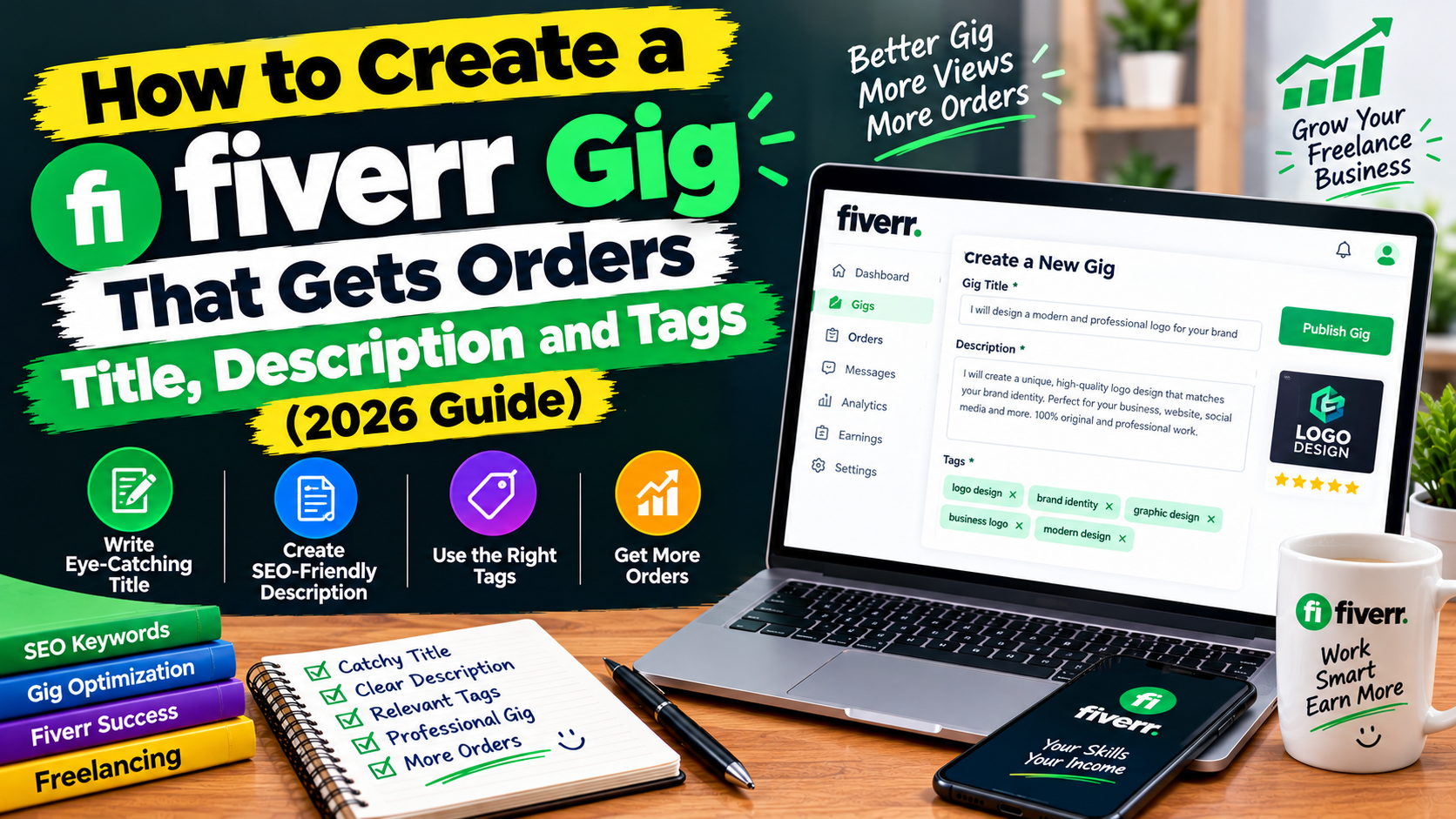
You have created your Fiverr account and now it is time to publish your first gig. This is the point where many beginners get stuck. Some copy other sellers, some write a confusing title and some set a price that scares buyers away. As a result, their gig gets no views.
In this guide you will learn how to create a Fiverr gig step by step, how to write a clear title and description, how to set your packages and how to choose tags. Please remember that Fiverr gives no guarantee of orders. A good gig improves your chances, but results still depend on your skill, your competition and your patience.
If you have not yet created an account, read our guide on how to create a Fiverr account in Pakistan first.
What Is a Fiverr Gig?
A gig is the service you offer on Fiverr. It is like a small shop page. Buyers search for a service, open gigs that look useful and choose the seller they trust. Examples of gigs are “I will design a modern logo for your business” or “I will write an SEO blog post for your website”.
Step 1: Choose One Clear Service
Do not make one gig that sells everything. A gig works best when it solves one specific problem for one type of buyer.
- Too broad: “I will do all design work”
- Better: “I will design a logo for your small business”
Before you decide, search Fiverr for your service. Look at what other sellers offer, what buyers get and how the top gigs describe their work. Use this to understand the market, but never copy another seller’s gig.
If you are not sure which skill to sell, read our guide on the best free skills to learn for freelancing in Pakistan.
Step 2: Write a Clear Gig Title
Your title is the first thing a buyer sees in the search results. On Fiverr, gig titles usually begin with “I will”. Use the main keyword a buyer would type, and keep it short and honest.
Formula: I will + service + for + buyer or result
Examples:
- “I will design a clean logo for your business”
- “I will edit your YouTube videos with subtitles”
- “I will write SEO blog posts for your website”
Avoid:
- Long titles full of keywords
- Capital letters and symbols everywhere
- False claims like “best seller” or “100 percent guaranteed”
- Mentioning a service that you cannot really do
Fiverr has a character limit for titles, so check the limit shown on the gig creation page.
Step 3: Choose the Right Category
Choose the category and subcategory that best match your service. A wrong category can reduce your visibility. Fiverr may also ask you for details such as the type of work, the tools you use and the file formats you provide. Fill in these details honestly, because buyers can filter gigs by them.
Step 4: Set Your Packages and Prices
Fiverr lets you offer more than one package, commonly called Basic, Standard and Premium. This gives buyers a choice.
- Basic: a simple version of your service at an entry price
- Standard: a more complete version with extras
- Premium: the full service with the most value
Pricing tips for beginners:
- Check what similar sellers charge, and start with a fair price.
- Very low prices can look suspicious and may attract difficult buyers.
- Very high prices can stop new buyers from trying you.
- Remember Fiverr’s commission when you calculate how much you will actually receive.
- Be honest about delivery time. It is better to deliver early than late.
You can raise your prices later as you gain reviews and experience.
Step 5: Write a Strong Gig Description
Your description should convince the buyer that you understand their problem and can solve it. Keep it simple and easy to scan.
A simple structure:
- Opening line: Say what you do and who it is for.
- What the buyer gets: List the deliverables clearly, such as number of designs, file formats and revisions.
- Why choose you: Mention your experience, tools or process, but only what is true.
- How to order: Tell the buyer what you need from them to start, such as business name or reference files.
- Call to action: Invite them to message you before ordering if they have questions.
Example opening:
“Do you need a clean, professional logo for your small business? I create original logo designs that are simple, modern and easy to use on social media and print. You will receive your files in the formats you need, with revisions until you are happy.”
Tips:
- Write in short sentences and simple English.
- Use bullet points for deliverables.
- Do not copy another seller’s description.
- Do not promise results you cannot control.
- Do not put your phone number, email or social media links in the gig. Fiverr’s rules require buyers and sellers to communicate through the platform.
If English is a challenge for you, see our guide on how to improve your English for freelancing in Pakistan.
Step 6: Add Requirements and an FAQ
The requirements section lets you ask the buyer for the information you need after they order. For example, a logo designer might ask for the business name, preferred colours and examples of designs the buyer likes.
The FAQ section answers common questions before the buyer messages you, such as delivery time, revisions or file types. A few clear FAQs save time and build trust.
Step 7: Add Good Images, Video and Samples
Buyers look at images before they read anything. Your gig images should be clear, professional and show real examples of your work.
- Use high-quality images that match the size Fiverr recommends.
- Show your own samples. If you do not have client work yet, create practice samples and use those.
- Keep text on images short and readable.
- Never use another seller’s work, stock photos you do not have the right to use or copyrighted material. Stolen samples can get your gig removed and your account banned.
- A short video, if you can make one, can help buyers understand your service.
Check Fiverr’s current rules for the number and format of images, videos and documents, as these can change.
Step 8: Choose Your Tags
Tags are search terms that describe your gig. Choose words that a buyer might type when looking for your service. Use specific terms rather than general ones.
Example for a logo gig: logo design, business logo, minimalist logo, brand logo
Do not add tags that do not match your service, because this can hurt your gig. Check how many tags Fiverr allows and use them wisely.
Step 9: Review and Publish
Before you publish:
- Read the title and description again for spelling and grammar mistakes.
- Check that your prices, delivery times and revisions are correct.
- Make sure your images are your own.
- Compare your gig with a few top gigs to see if anything important is missing.
After your gig is published, Fiverr may review it. If it is not approved, read the reason carefully, fix the problem and submit again.
Common Gig Mistakes Beginners Make
- Copying another seller’s gig. Fiverr can remove copied gigs.
- A vague title that does not say what you offer.
- Selling too many services in one gig.
- Weak or stolen images.
- Prices that are too low or too high.
- Promising unrealistic results or very fast delivery.
- Taking buyers outside Fiverr for communication or payment.
- Slow replies to buyer messages.
What to Do After You Publish
- Share your gig link with friends and family, and on social media.
- Reply to messages quickly and politely.
- Deliver your first orders on time and communicate clearly.
- Ask happy buyers to leave an honest review.
- Check your gig statistics, and improve your title, images or description if you get views but no orders.
- Keep learning and improving your skill.
Once you start earning, you will need a safe way to withdraw. Read our guide on how to create a Payoneer account in Pakistan. And be careful of fake buyers and fake offers, as explained in our guide on how to avoid online earning scams in Pakistan.
Frequently Asked Questions
How many gigs can I create on Fiverr?
Fiverr limits the number of active gigs, and the limit can depend on your account level and Fiverr’s current rules. Check the official Help Center.
How long does it take to get the first order?
It varies. Some sellers get an order in days, and others take weeks or longer. A clear gig, good samples and fast replies can help.
Can I copy a successful gig?
No. Copying is against Fiverr’s rules and can get your gig removed. Learn from top gigs, then write your own.
What should I do if my gig gets views but no orders?
Improve your title, images, price and description. Check whether your samples and offer are clear compared with other gigs.
Can I change my gig later?
Yes, you can usually edit your gig. Make small changes and watch the results.
Do I need to pay to create a gig?
Creating a gig is free. Fiverr takes a commission when you earn.
Conclusion
A good Fiverr gig is clear, honest and focused. Choose one specific service, write a simple title and description, show real samples, set fair prices and reply quickly. Keep improving based on what you learn, and be patient while you build your reputation.
Next, read our guide on how to find real remote jobs in Pakistan without paying anyone.
Disclaimer: This article is for general information only. Earnings and orders are not guaranteed. Fiverr’s rules, limits and fees change, so please check Fiverr’s official Help Center for the latest details.